



A Fresh Look: Samsung Revamps the SmartThings Experience
Samsung has officially pushed out a significant interface refresh for its SmartThings ecosystem, arriving with version 1.8.51.30. While iOS users were the first to experience these changes, the update is now widely accessible for Android enthusiasts via the Google Play Store and the Galaxy Store. This overhaul focuses on streamlining navigation and providing a more intuitive control scheme for your connected home.
Refining the Home Dashboard
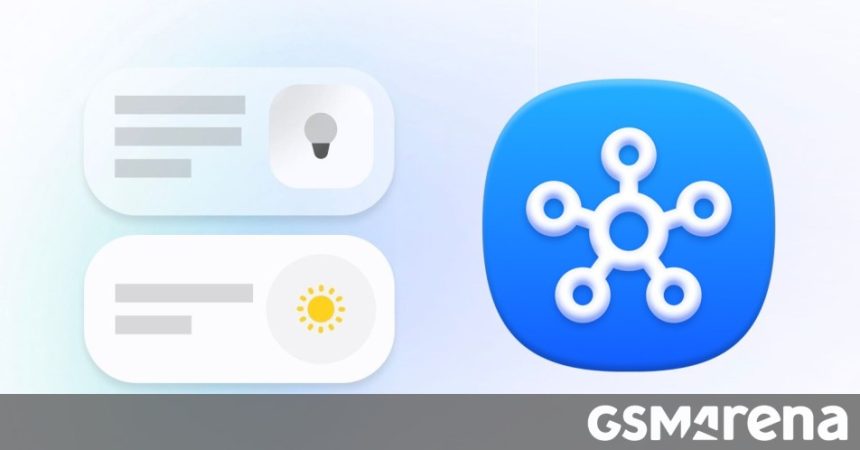
The most noticeable change is the complete redesign of the Home tab. Samsung has moved toward a more efficient, compact card layout. Instead of bulky tiles that take up excessive screen real estate, the new cards allow for a denser, more organized view of your smart ecosystem.
Key improvements to the Home tab include:
- Customizable Layouts: Users now have the flexibility to resize and rearrange cards, ensuring that your most critical controls are always front and center.
- Instant Interaction: You can toggle devices or initiate automation routines directly from the card icon without needing to dive into sub-menus.
- SmartThings Now: This new section acts as a contextual hub, surfacing relevant data such as local weather forecasts and intelligent routine suggestions based on your daily habits.
- Prioritized Favorites: A dedicated Favorites section has been integrated, drastically reducing the time spent scrolling through long lists of connected hardware.
Enhanced Device Management and 3D Mapping
Beyond the Home tab, the Devices section has received a functional polish to improve how you manage your hardware. As the smart home market continues to grow-with projections suggesting the global smart home market will reach over $200 billion by 2028-Samsung is clearly positioning SmartThings to handle an increasing number of connected endpoints with greater ease.
One of the most impressive features remains the 3D Map View. This tool allows you to construct a digital twin of your living space. By defining room dimensions and populating the layout with 3D models of your appliances and furniture, you gain a visual, spatial way to control your home. It’s akin to having a digital floor plan where tapping a lamp on your screen turns on the physical light in your living room.
Visualizing the updated interface: The new Home tab layout (v1.8.51.30)