



## Critical Connectivity Issues Impacting iPhone 18 Pro Max Users on AT&T
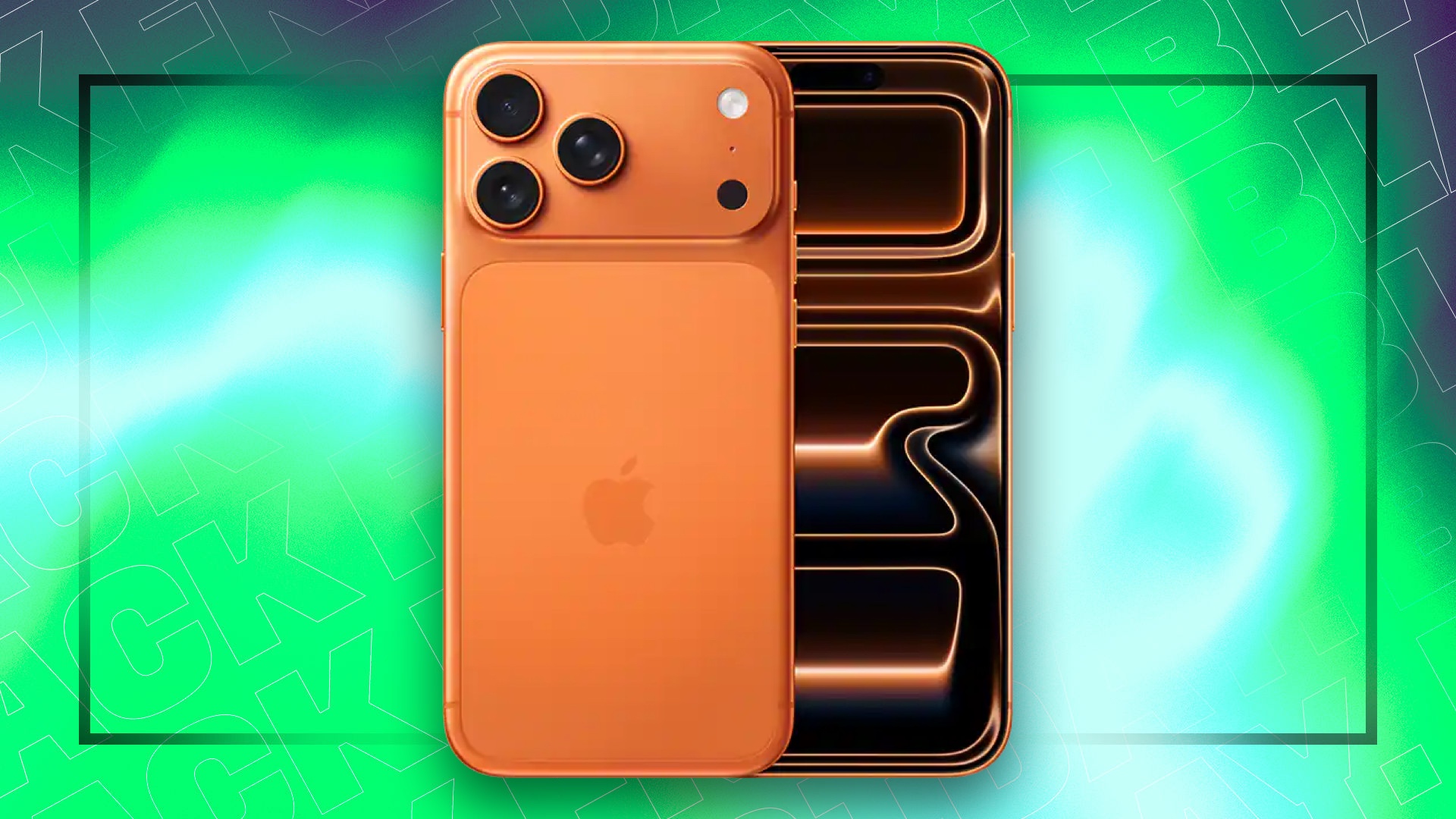
While many early adopters of the iPhone 18 Pro Max are currently praising the device’s new camera system and its improved battery life, a significant technical hurdle has emerged for a subset of the user base. Specifically, subscribers using AT&T are encountering a severe malfunction that prevents the handset from executing its primary function: placing cellular calls.
### The Scope of the Connectivity Failure
The severity of this glitch cannot be overstated. Beyond the inability to reach friends or colleagues, the issue extends to critical emergency services, effectively rendering the device unable to dial 911. Reports began surfacing last week, with numerous users noting a total loss of cellular signal despite being in areas with established coverage.
In the modern smartphone era, where 99% of users rely on their mobile devices as their sole point of contact, such a failure is catastrophic. Similar to a car engine failing to ignite, the hardware is rendered useless for its most fundamental purpose.
### Apple’s Response and Resolution Strategy
Apple has acknowledged the situation and is deploying a two-part software update scheduled for release this Friday to patch the underlying bug. However, for those whose devices have already been “bricked” or rendered unresponsive by the error, a software patch will not suffice.
According to official statements from Apple representatives, users who have already been impacted by this specific connectivity blackout will require a hardware swap. The company has committed to providing these replacement units at no additional cost to the consumer.
If you are an AT&T customer currently experiencing a “No Service” status on your new Pro Max, it is highly recommended that you contact Apple Support immediately to initiate the replacement process rather than waiting for the software update, as the current state of the device may prevent it from receiving the patch wirelessly.