




Image Credits:Apple
10:00 AM PST · November 14, 2026
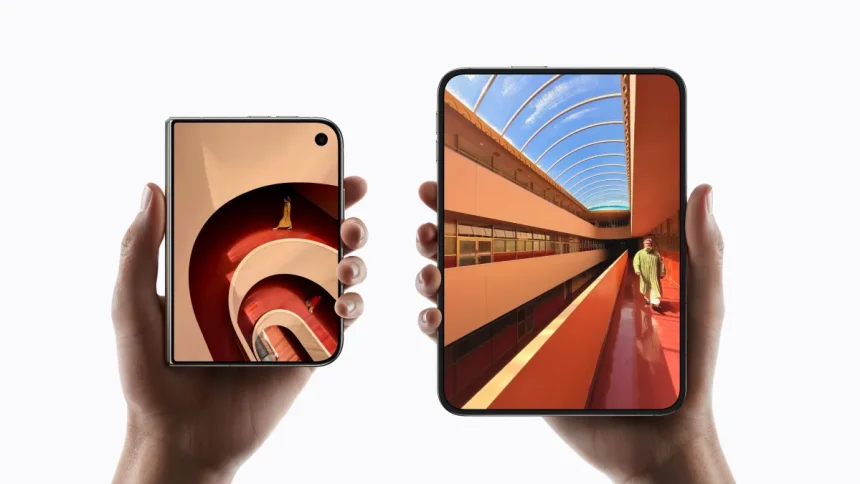
Apple’s new foldable, the iPhone Duo, has proven popular enough that the company can’t keep the device in stock. While the Duo introduces a new way to use an iPhone, getting the most out of this initial version may require adjusting a few settings to make it work better when it comes to everyday tasks, like unlocking the device with Touch ID, navigating the interface, and taking photos.
After spending some time with the Duo, we’d recommend making the following adjustments to make the new iPhone a bit easier to use, most notably when it comes to the use of Touch ID.
Settings to make it easier to live with Touch ID
Unlike modern iPhones, the Duo doesn’t support Face ID. That means you have to adjust to pressing a finger on the side of the device once again to authenticate with apps, unlock the device, and use Apple Pay. But there are a few things you can do to make the switch back to the older technology a bit less painful.
- Register extra fingerprints: This may seem like an obvious suggestion,