


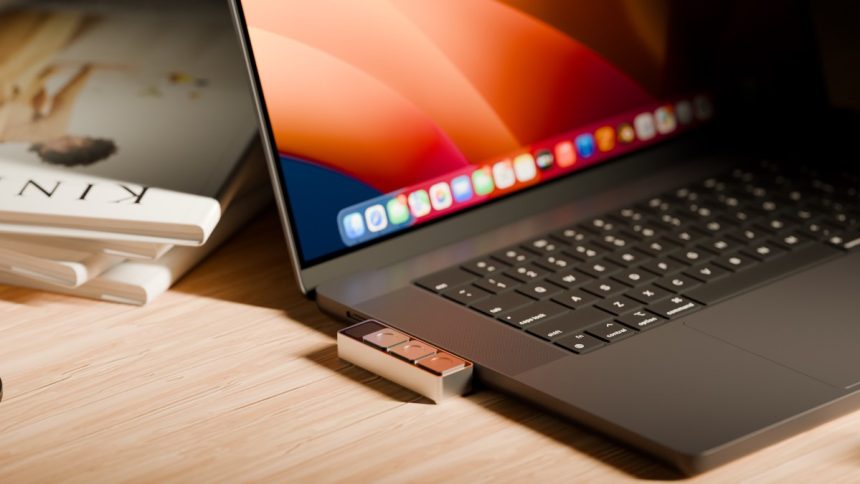

Streamlining Your Workflow: A Hands-On Look at the Dune Context-Aware Keypad
Navigating the fragmented world of video conferencing is a universal frustration. Every platform-Zoom, Google Meet, Microsoft Teams-demands a different set of keyboard shortcuts to manage your microphone or camera. In the heat of a high-stakes presentation, fumbling for the right key combination is not just annoying; it’s a distraction that breaks your flow.
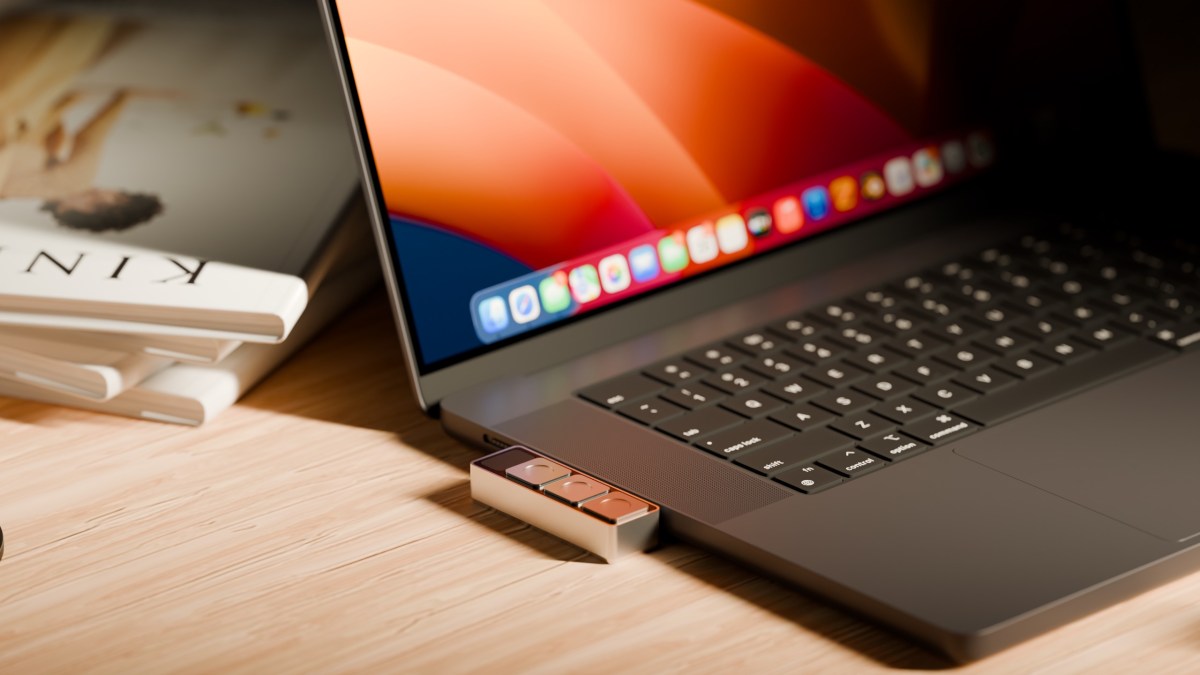
I have long searched for a tactile, universal solution-a physical button that handles these tasks instinctively. Enter Project Mirage’s Dune, a sleek, aluminum-bodied, three-key peripheral that attaches directly to your MacBook’s USB-C port. It is roughly the size of a stick of gum, yet it promises to revolutionize how you interact with your software.
Adaptive Control at Your Fingertips
The Dune is priced at $119 and functions as a context-aware command center. Because it recognizes the active application, its utility shifts dynamically.
* In Meetings: Toggle your mic, kill your video, or bring the meeting window to the foreground.
* In Productivity Suites: Execute common commands like copy, paste, or undo in Excel and Google Sheets.
* In Browsers: Refresh pages, jump to the address bar, or trigger specific extensions.
* For Developers: Streamline workflows in VS Code or GitHub by automating pull request approvals or merges.
The hardware is custom-milled to fit your specific MacBook model,