





Mastering Information Overload: Streamlining Document Analysis and Presentation
In today’s hyper-competitive corporate landscape, the sheer volume of data professionals must process is staggering. We are frequently tasked with distilling massive, complex PDF reports into actionable insights under tight deadlines. This constant pressure to synthesize dense information-often while juggling multiple projects-can lead to significant cognitive fatigue. When you are expected to be an expert on a 50-page technical document you received only an hour ago, the challenge isn’t just reading; it’s rapid comprehension and strategic extraction.
The Challenge of Rapid Synthesis
The modern workflow is often bottlenecked by the time required to parse long-form documents. According to recent productivity studies, the average knowledge worker spends nearly 28% of their workweek managing emails and documents, leaving little room for deep analytical work. When you are faced with a dense PDF, the traditional method of linear reading is no longer sustainable. To remain competitive, professionals must adopt smarter workflows that allow them to pinpoint critical data points without sacrificing the nuance of the original material.
Elevating Your Visual Communication
Beyond the hurdle of comprehension lies the challenge of delivery. Even if you have successfully extracted the “gold” from a document, your findings are only as effective as your presentation. A common pitfall is relying on text-heavy, uninspired slides that fail to engage stakeholders. In a world where attention spans are shrinking, your report needs to be visually compelling to ensure your message resonates. However, most professionals are not trained graphic designers, and spending hours tweaking layouts is a luxury few can afford.
Bridging the Gap Between Data and Design
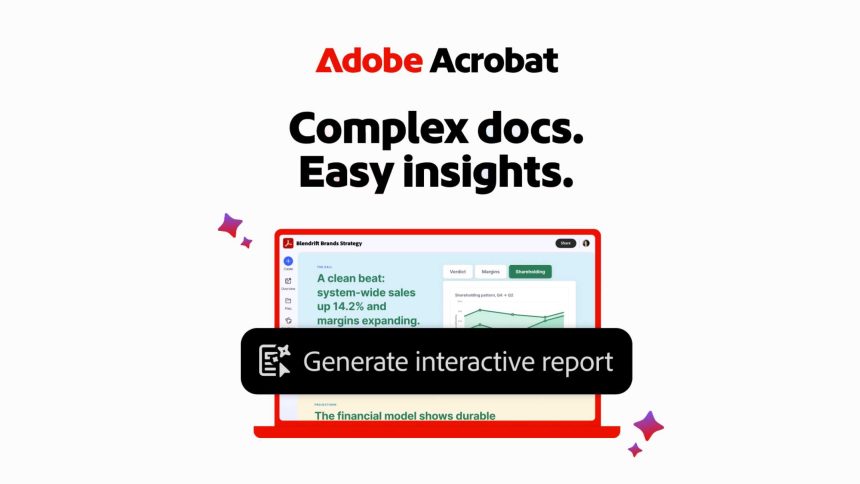
To overcome these obstacles, you need tools that act as an extension of your analytical capabilities. Rather than manually highlighting text or struggling with clunky formatting tools, modern software solutions allow you to navigate complex files with intuitive search functions and automated layout features. By leveraging these digital assistants, you can transform a dry, technical document into a polished, professional presentation that highlights your expertise rather than your ability to format a document.
By shifting your approach from manual processing to intelligent, tool-assisted synthesis, you can reclaim your time and ensure that your insights are both accurate and visually impactful.