




Enhanced Flexibility: Steam Controller Receives Dual-Device Bluetooth Support
Valve has rolled out a significant firmware update for the Steam Controller, dated October 13, which introduces a highly requested feature: the ability to store two distinct Bluetooth Low Energy (BLE) pairing profiles. Previously, users were restricted to a single connection, necessitating a full re-pairing process whenever switching between a gaming PC and a secondary device, such as a Steam Deck or a laptop.
For those interested in the technical specifics, you can review the official Valve’s changelog.
How to Manage Your Pairing Slots
This update utilizes specific button combinations-often referred to as “chords”-to manage which device the controller communicates with. Because these commands must be executed during the power-on sequence, you will need to restart the controller to toggle between your saved connections.
* To pair to the primary slot: Power on the device while holding L1 + B + Steam.
* To pair to the secondary slot: Power on the device while holding R1 + B + Steam.
By utilizing these shortcuts, you can seamlessly transition your controller between two different gaming setups without the frustration of navigating through Bluetooth discovery menus every time. While this requires a quick power cycle, it is a massive quality-of-life improvement for users who frequently move their hardware between rooms or devices.
Why This Matters for Steam Users
As the gaming landscape shifts toward multi-device ecosystems-with the Steam Deck becoming a staple for many players-the need for peripheral agility has never been higher. According to recent Steam hardware surveys, a growing percentage of the user base now interacts with the platform across multiple form factors. This firmware update effectively doubles the utility of the Steam Controller, ensuring that legacy hardware remains relevant in a modern, multi-device gaming environment.
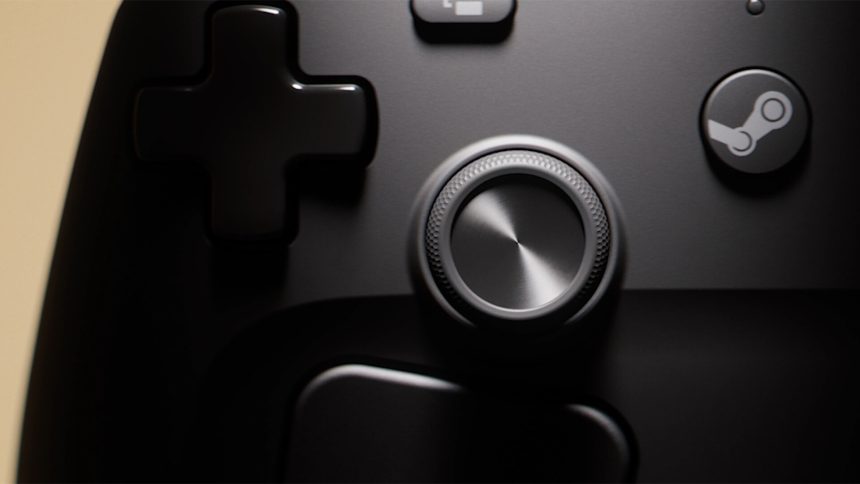
The Steam Controller, as featured on Valve’s official storefront. Image: Valve