



## Samsung Addresses Galaxy S26 Ultra Display Discoloration: Software Patch Imminent
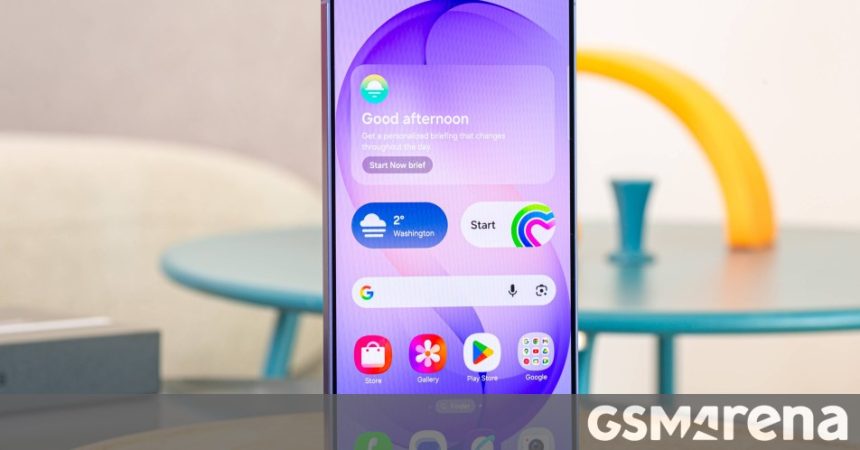
Owners of the Galaxy S26 Ultra who have noticed an unusual crimson hue appearing on their screens can finally breathe a sigh of relief. Following widespread user reports, Samsung has officially acknowledged reports of this display anomaly, clarifying that the root cause is rooted in software calibration rather than a defective hardware component.
### Understanding the Red Tint Phenomenon
The issue primarily manifests when the device is utilized in high-brightness environments. Essentially, the display’s color profile becomes skewed under intense ambient light, resulting in a noticeable red cast. Think of it like a camera sensor struggling with white balance in mixed lighting; the phone’s software is currently misinterpreting how to render colors when the screen brightness is pushed to its limits.
### The Path to Resolution
According to recent communications from Samsung’s support channels in South Korea, a corrective update is currently undergoing final quality assurance testing. A user on the official Samsung Community forums shared evidence of a conversation with a support representative, confirming that the verification department is actively vetting the patch to ensure it resolves the calibration error without introducing new bugs.
The company intends to deploy this fix via an upcoming Over-The-Air (OTA) firmware update, which is slated for release before the end of the current month.
### Conflicting Support Narratives
While the consensus points toward a software-based solution, some users have received varying guidance from customer service representatives. One secondary report suggests that while a global software patch is in development, users who prefer an immediate resolution may be able to have their device recalibrated manually at an authorized Samsung service center.
This dual-track approach-offering both a convenient OTA update for the masses and professional service center intervention for those who need it sooner-highlights Samsung’s commitment to rectifying the display performance of their flagship device. As of now, the primary recommendation remains to wait for the OTA notification, which should automatically recalibrate the display’s color values to their intended, neutral state.