


When you purchase through links in our articles, we may earn a small commission. This doesn’t affect our editorial independence.
Step Back in Time: Experience the Windows 98 Era Directly in Your Browser
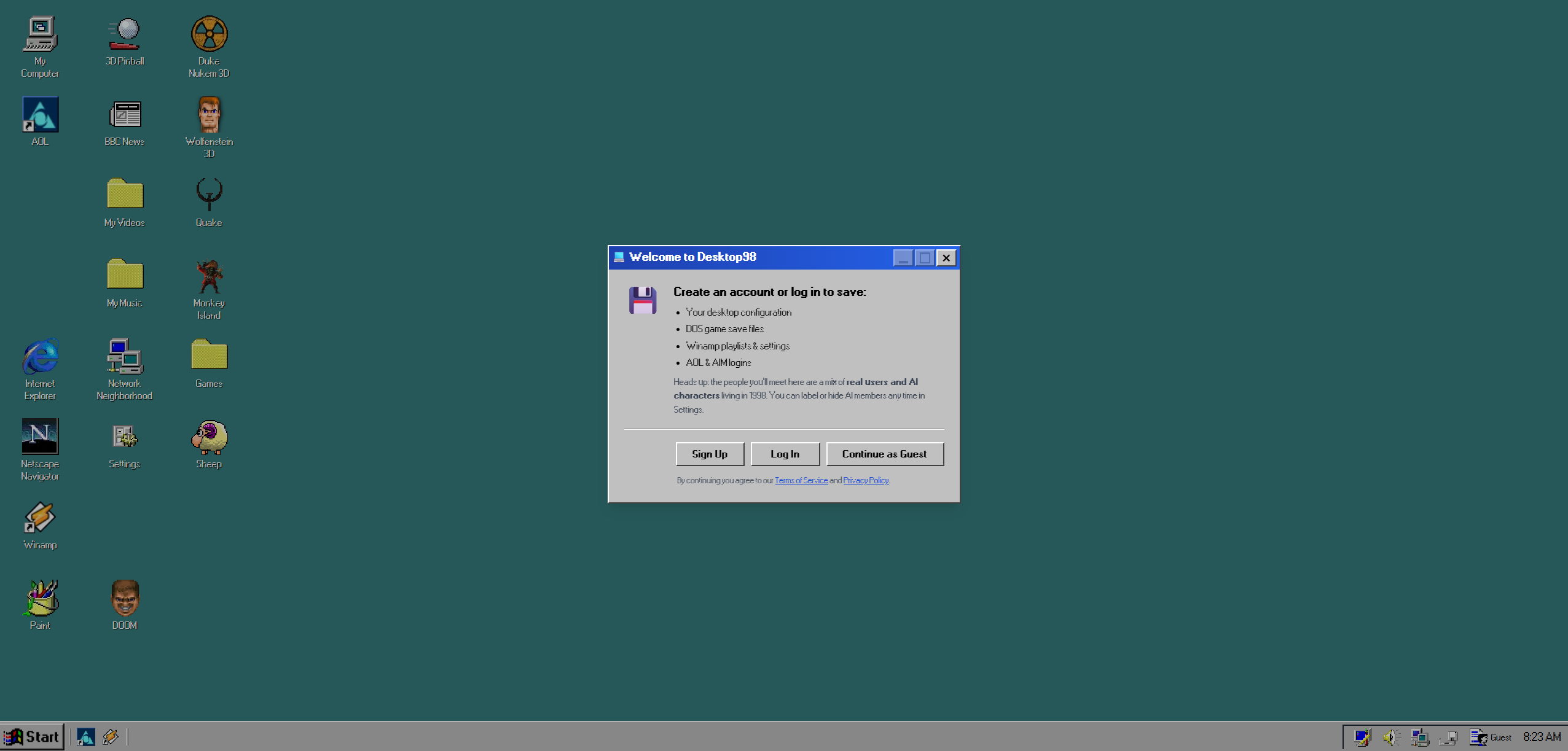
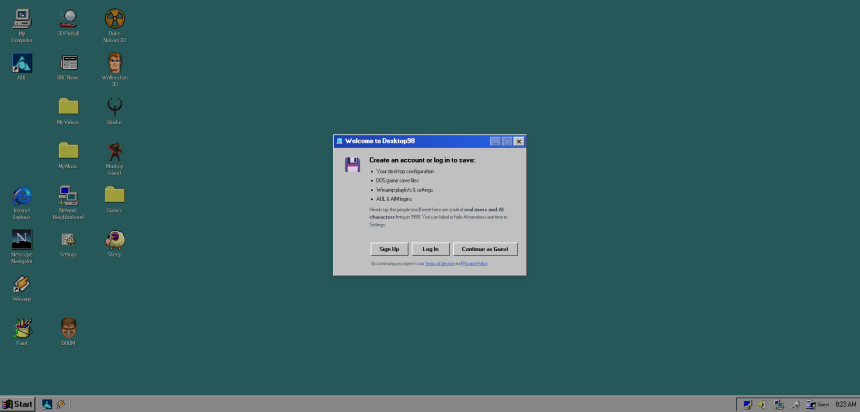
For those who harbor a deep fondness for the dawn of the modern internet, a new digital time capsule has arrived. If you find yourself missing the distinct aesthetic of beige towers, the tactile click of a floppy disk, and the screeching handshake of a 56k modem, you are in luck. A sophisticated, browser-based emulator known as Desktop98 allows users to revisit the late 1990s without needing to hunt down vintage hardware on eBay.
A Digital Museum of 90s Computing
The late 90s represented a pivotal shift in global connectivity. According to data from the International Telecommunication Union, global internet penetration was less than 5% in 1998, making the online experience feel like a vast, uncharted frontier. Desktop98 captures this specific cultural moment by recreating the operating system that served as the gateway for millions of users.
Rather than just offering a static image, this simulator provides an interactive environment. You can navigate through the classic Start menu, manage files in the iconic folder structure, and even engage with simulated versions of the software that defined the era. It serves as a functional tribute to the days when “going online” was a deliberate, scheduled activity rather than a constant state of being.
Why the Windows 98 Aesthetic Still Resonates
There is a growing trend in “retro-computing” that goes beyond mere novelty. Much like the resurgence of vinyl records, there is a psychological comfort in the simplicity of early graphical user interfaces (GUIs). While modern operating systems are sleek and minimalist, Windows 98 was utilitarian and unapologetically mechanical.
By utilizing this browser-based tool, you can:
- Revisit Legacy Software: Experience the interface of early web browsers and productivity tools that paved the way for today’s cloud-based applications.
- Explore Internet History: Gain perspective on how far web design has evolved since the days of static HTML and limited bandwidth.
- Enjoy Zero-Setup Nostalgia: Unlike setting up a virtual machine or restoring an old PC, this simulator requires no installation-simply open your current browser and start exploring.
Whether you are a tech historian looking to document the evolution of the desktop or simply someone who misses the charm of the “Blue Screen of Death” era, this project offers a seamless way to reconnect with the roots of personal computing.