



When you purchase through links in our articles, we may earn a small commission. This doesn’t affect our editorial independence.
Determining Your Ideal SSD Capacity: A Modern Storage Strategy
Selecting the correct storage capacity is a critical decision when configuring a new machine. Whether you are building your own PC or shopping for a pre-built laptop, the Solid State Drive (SSD) serves as the foundation of your system’s performance. Choosing the right size from the start is far more efficient than attempting to upgrade later.
Why Storage Capacity Matters in 2024
Modern computing demands have shifted significantly. With the average size of AAA video games now frequently exceeding 100GB and high-resolution media files becoming the standard, entry-level storage options are quickly becoming obsolete. While a 256GB drive might have sufficed for basic office tasks a few years ago, today’s operating systems and background applications consume a larger footprint, leaving very little room for actual user data.
The Reality of Hardware Upgradability
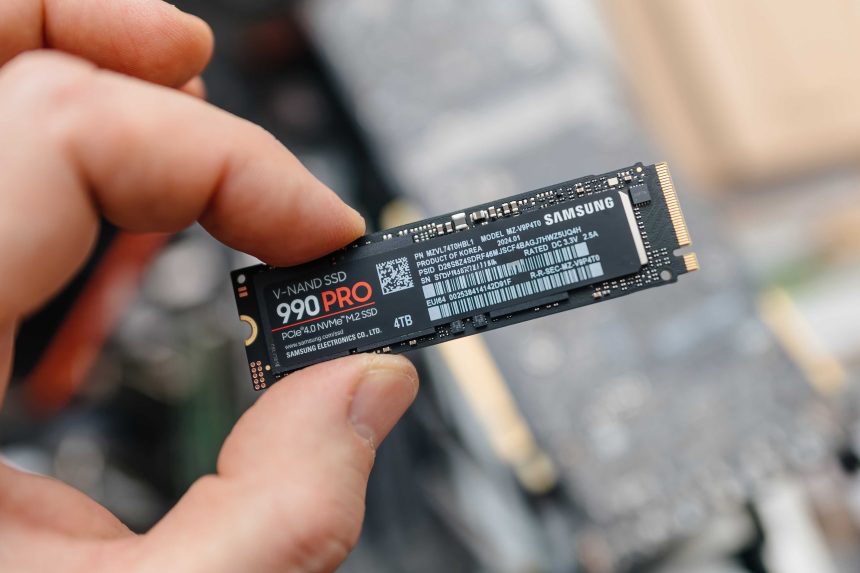
While some enthusiasts might argue that you can simply open a laptop chassis to swap out a drive for a higher-capacity model, this is becoming increasingly difficult. Many modern ultrabooks and thin-and-light devices feature soldered storage, meaning the capacity you choose at checkout is the capacity you are stuck with for the life of the device. Even in desktop environments where selecting the best SSD is easier, migrating your OS and files to a new drive is a time-consuming process that most users prefer to avoid.
Strategic Capacity Tiers
- 512GB: The absolute floor for a modern productivity machine. Suitable for web browsing, document editing, and cloud-based workflows.
- 1TB: The “sweet spot” for most users. It provides ample breathing room for a healthy library of applications, a few large games, and local media storage without constant file management.
- 2TB and Beyond: Essential for content creators, video editors, and gamers who maintain large, active libraries.
By investing in sufficient storage upfront, you ensure your system remains responsive and capable of handling future software updates without the constant “disk full” warnings that plague under-provisioned systems.