



When you purchase through links in our articles, we may earn a small commission. This doesn’t affect our editorial independence.
The Instant Fix for Windows Display Failures
Few things are as frustrating as a sudden display malfunction. Whether you are in the middle of a high-stakes gaming session or finalizing a critical presentation, encountering a frozen screen, flickering artifacts, or a sudden “black screen of death” can be panic-inducing. While many users instinctively reach for the power button to perform a hard reboot, this often leads to lost work and unnecessary downtime.
Fortunately, Windows includes a hidden, built-in command designed specifically to address these graphical hiccups without requiring a full system restart.
How to Reset Your Graphics Driver on the Fly
If your monitor stops responding or your display begins to show visual corruption, you can force Windows to refresh the graphics subsystem instantly. By executing a specific keyboard shortcut, you signal the operating system to reload the graphics driver while keeping your open applications and background processes running exactly as they were.
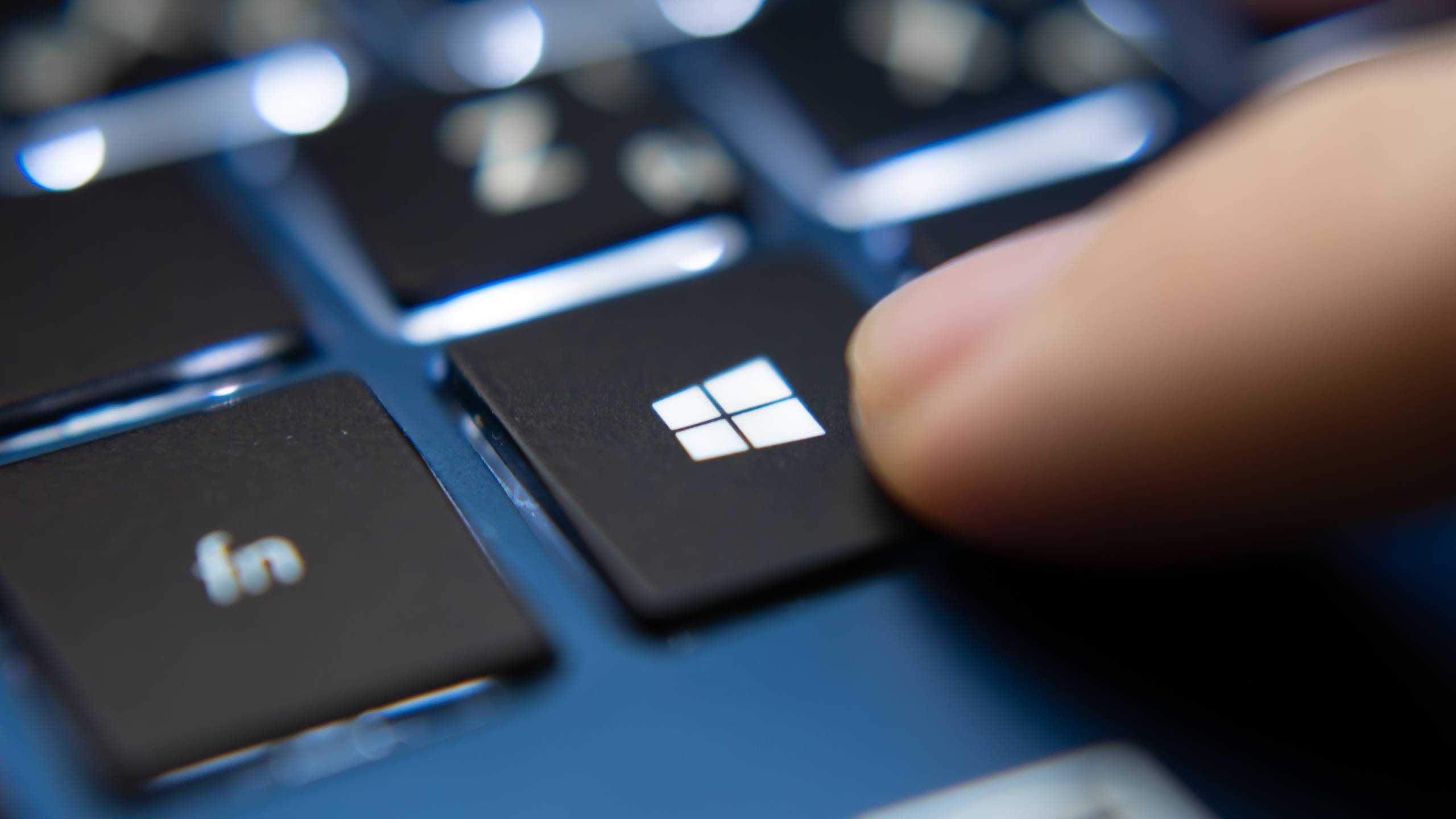
To trigger this reset, simply press the following four keys simultaneously:
Windows Key + Ctrl + Shift + B
Why This Shortcut Is a Game Changer
When you input this command, you will likely hear a short beep, and your screen may flicker or go dark for a split second. This is perfectly normal; it indicates that Windows is successfully re-initializing the connection between your OS and your GPU (Graphics Processing Unit).
This method is significantly more efficient than a traditional reboot. According to recent tech support data, display driver crashes account for a large percentage of non-critical system freezes. By bypassing the need to shut down the entire kernel, you save minutes of boot time and prevent the potential data corruption that can occur during an abrupt power cycle. Think of it like resetting a light switch rather than cutting the power to your entire house; it targets the specific component that is failing without disrupting the rest of your digital environment.