


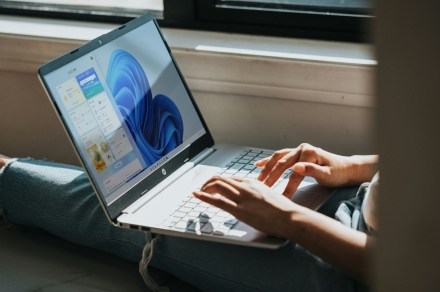
A lock, not a vault, for lost work laptops. Unsplash
Losing a work laptop gives you a special kind of stomach drop, the one that includes cold sweat, a mental list of excuses for your boss, but more importantly, the fear of losing work-related or confidential information.
Well, it looks like Microsoft is testing a safety net for exactly that moment. The company is testing a new Windows 11 feature: Remote Lock. It’s available in the Insider Preview Build 29708.1001 for the Experimental (Future Platforms) channel.
Rui Silvestre / Unsplash What does Remote Lock actually do to a laptop?
It basically lets IT lock a lost or stolen PC through Intune without entirely wiping it (via Windows Latest). The new Remote Lock feature lets the IT department enable it (no individual user control).
Someone from the IT team hits lock, and Windows signs out of every session. The feature hides the sign-in options and shows a “Device Locked” screen. Nothing gets erased, though, and that’s the important bit here, I’d say. Restarting or going offline won’t break the lock either. The laptop stays enrolled in Intune.