
How to make a LinkedIn Business Card in the app LinkedIn
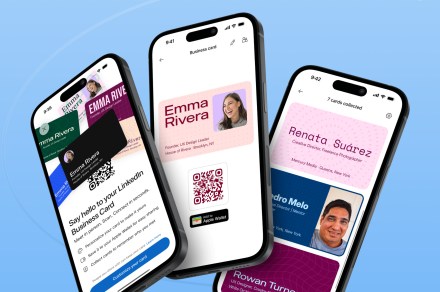
LinkedIn has announced a digital business card that you can share when you meet someone in person, making it easier to stay in touch. It’s customizable card that can be added to Apple Wallet or Google Wallet and shared with others through a scan. At present, it’s only available on the LinkedIn mobile app in English, and the company says it plans to make it available on more devices and languages in future.
Why did LinkedIn decide to bring back the business card? LinkedIn
Principal product designer Kevin Arcara and product partner Luke Miller noticed that people attending events were using LinkedIn’s little-known QR code to exchange contact details. Arcara said in a LinkedIn post that since it was not easy to find, people found workarounds for sharing their info “from QR codes to even NFC tags in their nails.”
He added that LinkedIn staff at Cannes were doing exactly that, which gave the team the idea of adding the QR code to Apple Wallet. A prototype was built immediately and shared with colleagues at the event,