


Unlocking the Hidden First-Person Perspective in GTA 6
Although Rockstar Games officially designed Grand Theft Auto VI to be experienced exclusively through a third-person lens at launch, a persistent community discovery has revealed a way to force a first-person camera mode on both PlayStation 5 and Xbox Series X/S. While this unofficial viewpoint offers a fresh way to traverse Leonida, it is important to note that this is a glitch rather than a supported feature. Consequently, it comes with significant stability risks and gameplay limitations.
This walkthrough details how to trigger this secret perspective, the potential technical pitfalls you may encounter, and the steps required to revert your game to its intended state.
The Mechanics Behind the First-Person Exploit
The core of this workaround relies on the game’s internal logic regarding the smartphone interface. In GTA 6, the camera automatically shifts to a first-person view whenever the character interacts with their phone. By executing a specific sequence of inputs, players can trick the game engine into maintaining this perspective even after the phone is holstered.
Crucial Warning: Before attempting this, ensure you create a manual save file. Because this exploit forces the game into an unintended state, it has the potential to cause progression-blocking bugs or persistent UI issues. As of the most recent patch, this glitch remains functional, though Rockstar may address it in future updates.
Step-by-Step: Activating the Secret Camera
To initiate the process, you must first adjust your controller configuration. Navigate to the settings menu and remap your camera toggle function. For Xbox users, reassign this to the View/Back button. This remapping is essential for the timing required to “trap” the camera in the first-person state during the phone-closing animation.
Known Limitations and Risks
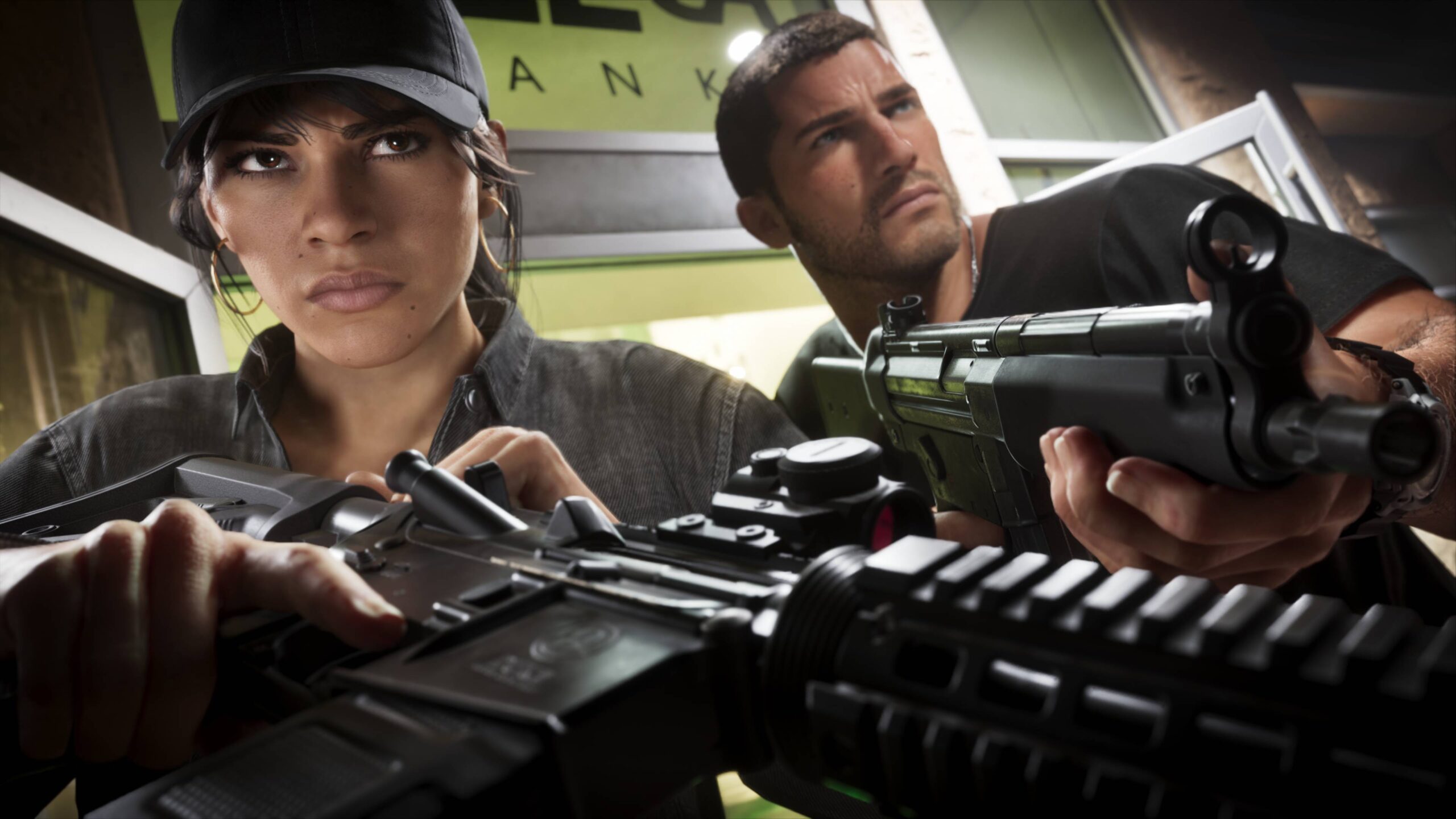
While playing in this mode can provide a more immersive experience-similar to the feeling of a high-fidelity tactical shooter-it is not a polished feature. Players often report issues with weapon aiming, vehicle handling, and cutscene transitions, which are not optimized for a first-person viewpoint. Furthermore, because the game is not designed to render the world from this angle, you may encounter “culling” issues where textures or objects disappear when the camera is too close to them.
If you find yourself stuck in this mode, the most reliable fix is to reload your manual save. Always prioritize your save data before experimenting with these types of exploits to ensure your progress remains secure.