




Streamlining the Switch: How Android 17 Simplifies Migrating from iOS
For years, the transition from an iPhone to an Android device felt like moving to a new country without a translator. While the hardware was often superior, the digital friction-re-downloading apps, manually logging into accounts, and losing your home screen layout-was a significant deterrent. Google is finally dismantling these barriers with the release of Android 17.
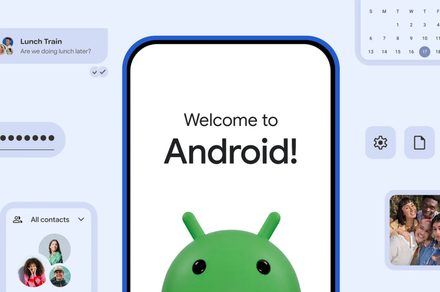
By overhauling the migration architecture, Google has transformed the process of moving from an iPhone to an Android phone into a seamless, near-instant experience.
A Collaborative Leap in Data Migration
The primary breakthrough in Android 17 is the result of a strategic collaboration between Google and Apple. By working together to refine the underlying transfer protocols, the companies have enabled a wireless migration system that is significantly more robust than previous iterations.
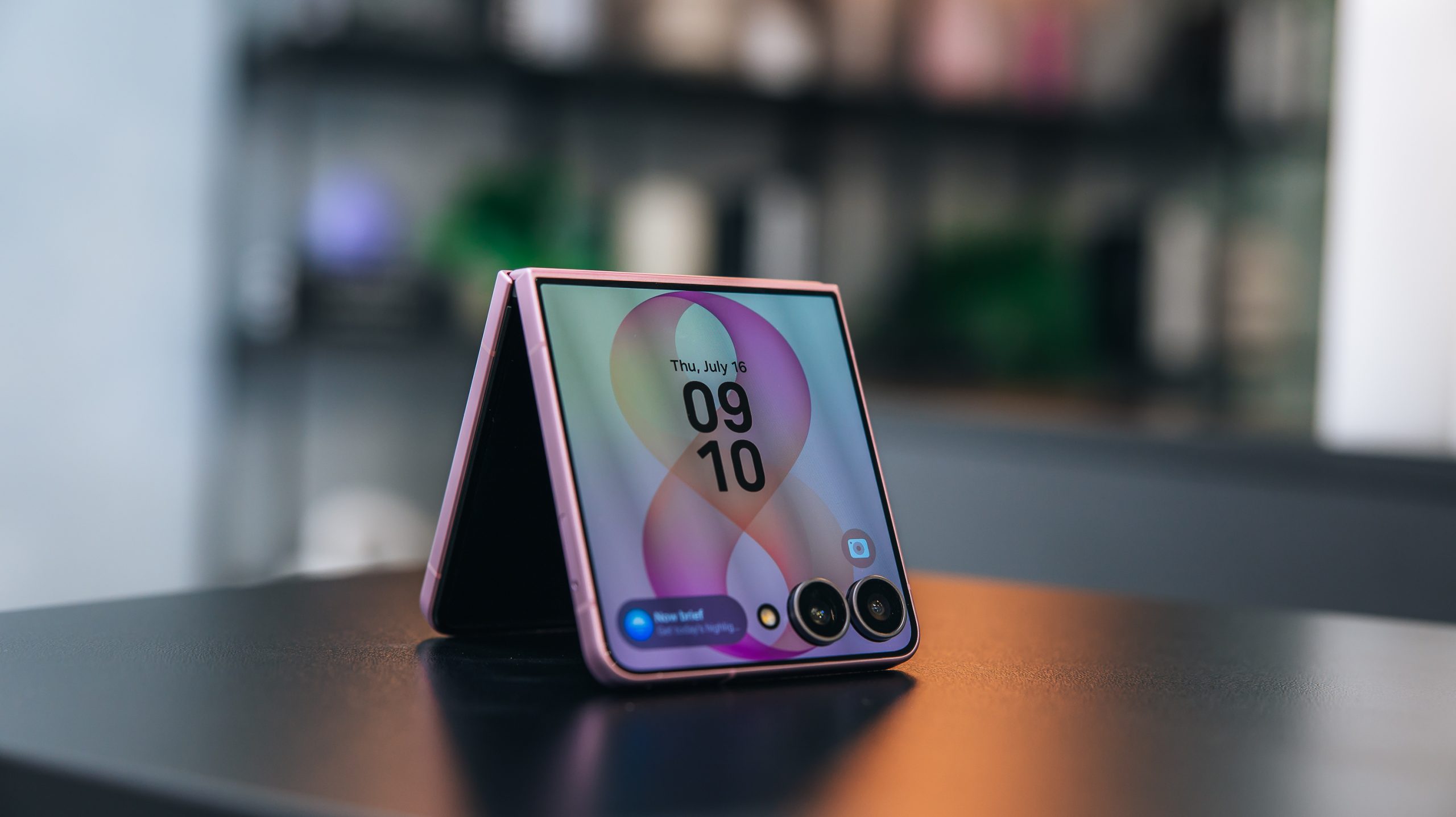
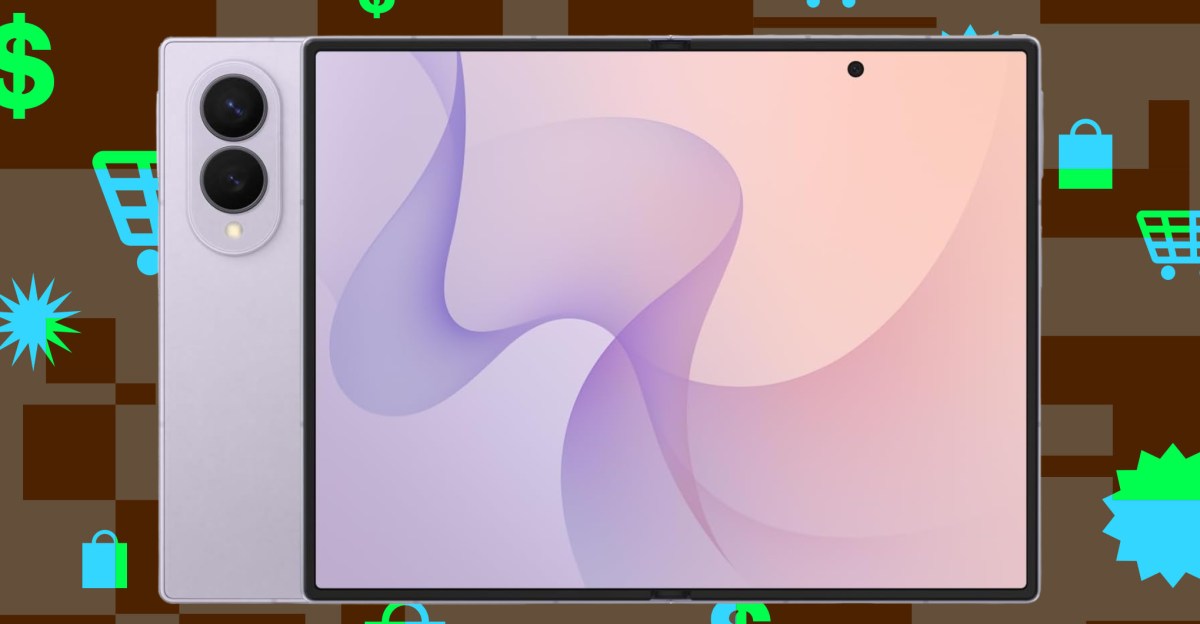
This isn’t just a minor update; it is a complete reconstruction of the Android Switch tool. The update is currently reaching users on eligible Pixel devices, and it has been integrated into the latest hardware from Samsung, including the Galaxy Z Fold 8 and Galaxy Z Flip 8 via the Smart Switch platform.
Why Previous Transfers Fell Short
Historically, switching ecosystems was plagued by “data silos.” Even when users utilized wireless transfer tools, iOS security restrictions acted as a digital wall, preventing the migration of sensitive credentials and system configurations.
In the past, users were often forced to:
* Manually re-authenticate every single app.
* Use physical cables to bypass wireless limitations, which still failed to capture everything.
* Spend hours recreating their home screen organization and settings.
According to recent industry data, nearly 30% of smartphone users cite the “hassle of moving data” as the primary reason they remain locked into their current operating system. Google’s latest update directly addresses this pain point by automating the heavy lifting.
What’s New in the Android 17 Migration Suite?
The new tool goes far beyond simple contacts and photos. With the latest update, you can now securely transfer:
* Passkeys and Passwords: Your digital keys move with you, eliminating the need to reset logins.
* eSIM Profiles: You can now migrate your cellular service digitally without visiting a carrier store.
* Home Screen Layouts: Your apps and widgets will land on your new device in the same configuration you are used to, reducing the “learning curve” of a new interface.
By removing the manual labor from the setup process, Google is effectively lowering the barrier to entry for potential switchers, making the choice of hardware based on preference rather than the fear of data loss.