

When you purchase through links in our articles, we may earn a small commission. This doesn’t affect our editorial independence.
Windows 11 Taskbar Flexibility Restored: What You Need to Know
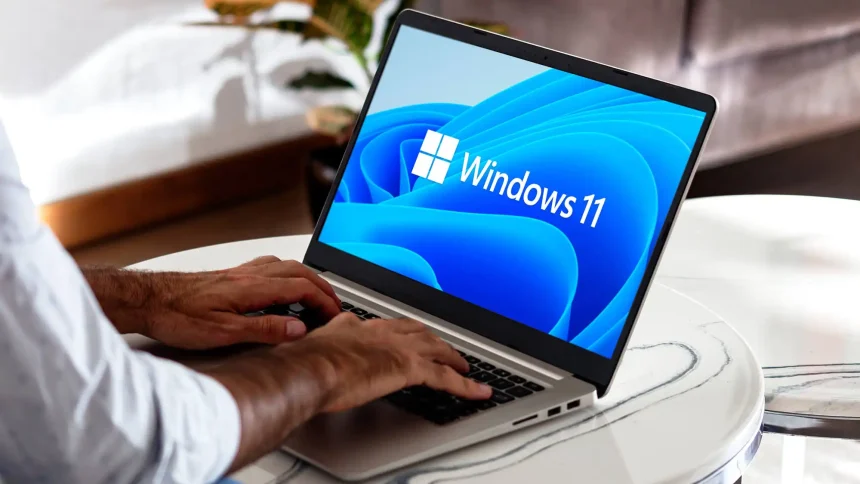
For years, Windows power users have clamored for the return of a classic interface customization option: the ability to move the taskbar. With the rollout of the optional update KB5120998, Microsoft is finally addressing this feedback for users running Windows 11 versions 24H2 and 25H2. While this patch brings a welcome boost to personalization, it is important to weigh the benefits against potential stability concerns inherent in optional software releases.
Customizing Your Workspace Layout
The standout feature of this latest update is the restoration of taskbar mobility. Since the initial release of Windows 11, the taskbar has been strictly anchored to the bottom of the screen, a departure from the freedom offered by Windows 10 and earlier iterations. Now, users can once again snap their taskbar to the top, left, or right edges of their display.
This shift is particularly beneficial for professionals utilizing ultrawide monitors or vertical dual-monitor setups, where screen real estate management is critical. By moving the taskbar to the side, users can reclaim vertical pixels, which is often more ergonomic for reading long documents or managing complex coding environments.
Proceed with Caution: The Risks of Optional Updates
While the prospect of a customizable desktop is exciting, it is vital to remember that KB5120998 is an optional update. In the world of Windows servicing, “optional” often implies that the code has not yet undergone the rigorous, long-term testing associated with mandatory “Patch Tuesday” releases.
Recent telemetry suggests that early adopters of such feature-heavy updates may occasionally encounter minor UI glitches or conflicts with third-party shell customization tools. Before installing, ensure your system is backed up. If you rely on your machine for mission-critical work, it may be prudent to wait for the next cumulative update cycle to ensure these new taskbar behaviors are fully optimized for your specific hardware configuration.