


When you purchase through links in our articles, we may earn a small commission. This doesn’t affect our editorial independence.
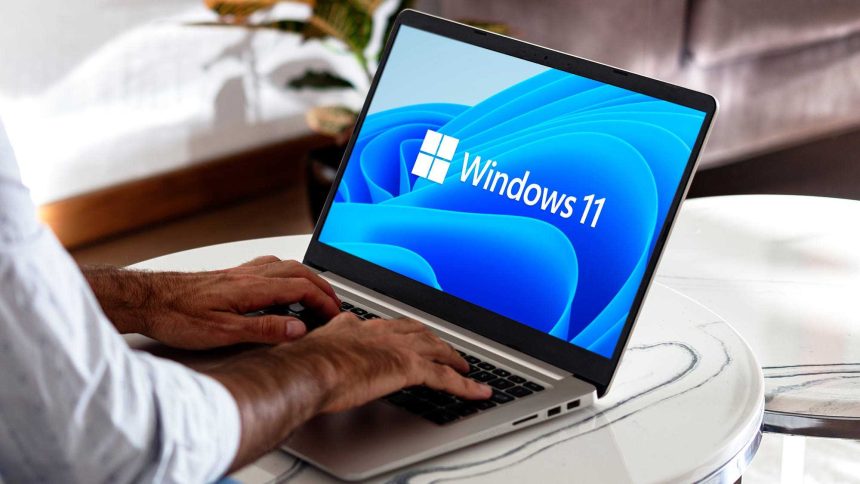
Windows 11 Bluetooth Stability: Microsoft’s Latest Patch Strategy
For many Windows 11 users, the wireless experience has been marred by persistent connectivity hurdles. Recognizing these frustrations, Microsoft has initiated a targeted rollout of updates designed to stabilize the operating system’s Bluetooth framework. While these refinements are currently making their way through the Insider program, they represent a significant shift in how the company is prioritizing peripheral reliability.
Addressing Core Wireless Connectivity Failures
The primary focus of this deployment is to eliminate the technical bottlenecks that have plagued users for months. According to recent reports, the engineering team is specifically targeting three critical areas of failure:
- Audio Stream Integrity: Resolving the sudden crashes that occur during high-fidelity audio playback.
- Microphone Synchronization: Fixing compatibility bugs that prevent headsets from being recognized or maintaining a stable input stream.
- Toggle Reliability: Eliminating the “ghost” errors where the Bluetooth switch becomes unresponsive or fails to initialize after a system wake cycle.
Why This Matters for the Modern User
In an era where remote work and wireless peripherals are the standard, Bluetooth stability is no longer a luxury-it is a necessity. Recent industry data suggests that over 70% of desktop and laptop users now rely on at least one wireless peripheral, such as a mouse, keyboard, or noise-canceling headset. When these connections drop, it results in a measurable loss of productivity.
Beyond the functional fixes, Microsoft is also refining the UI feedback loop. Users can expect more accurate connection status indicators, which will finally provide clarity on whether a device is truly paired or merely in a “searching” state. This is akin to moving from a flickering lightbulb to a clear, steady signal, ensuring you aren’t left guessing why your audio isn’t routing correctly.
Deployment Timeline and Availability
It is important to note that these enhancements are currently gated behind the Windows Insider builds. This phased approach allows Microsoft to stress-test the patches across a diverse array of hardware configurations before a general public release. If you are currently experiencing severe Bluetooth instability, joining the Insider program may offer a temporary reprieve, though it is generally recommended to wait for the stable, public-facing update if your machine is used for mission-critical tasks.