



Is the M5 Max Mac Studio Worth the Upgrade? A Performance Deep Dive
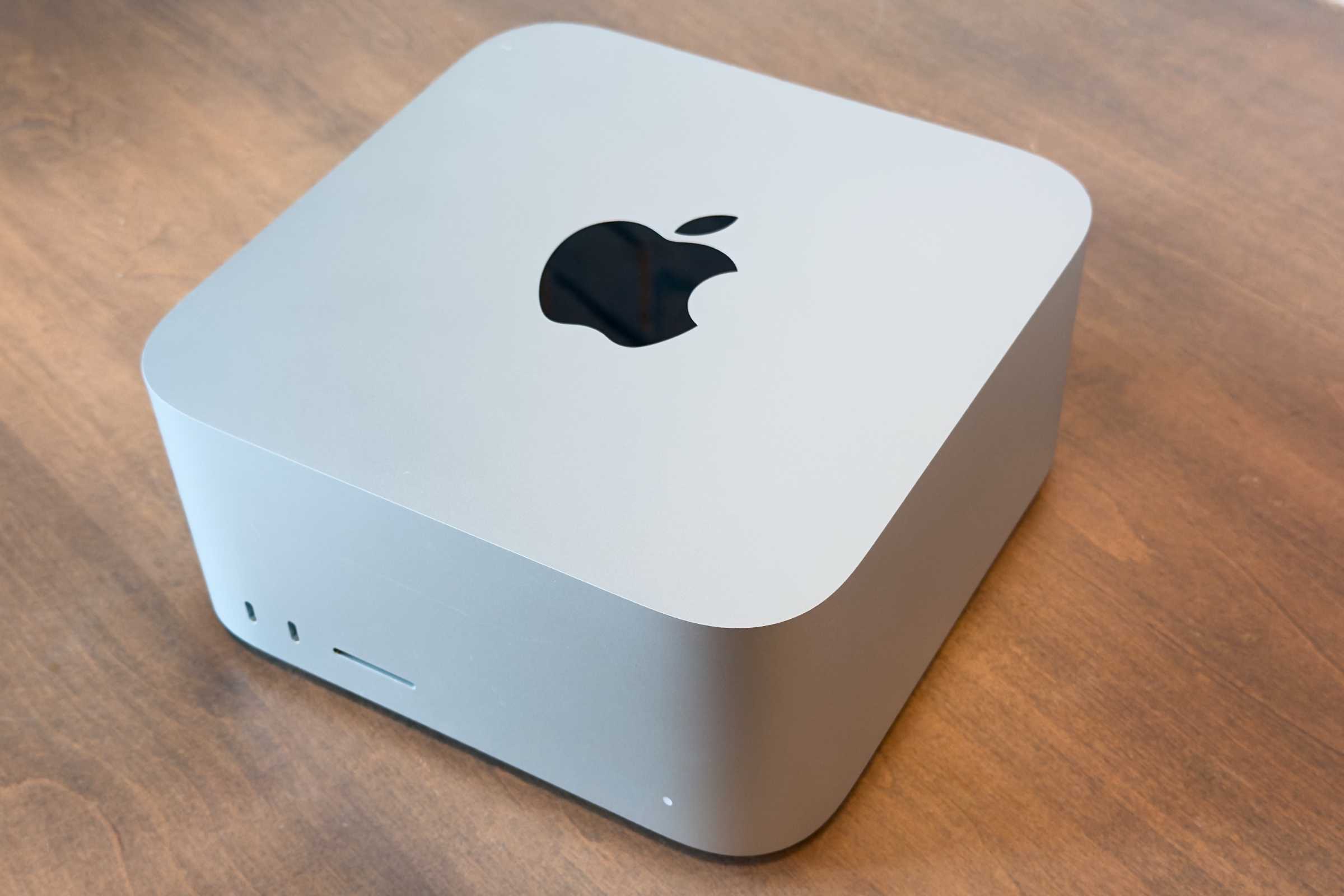
The release of the 2026 Mac Studio has sparked a significant debate among power users: is the leap in performance substantial enough to justify replacing a machine purchased only months ago? After putting the M5 Max model through its paces, the answer is a resounding yes-primarily due to a massive leap in storage throughput that changes the entire workflow experience.
Unpacking the Performance Gains
The most striking improvement in the latest iteration is the SSD speed. While previous generations were certainly capable, the M5 Max architecture delivers data transfer rates that make older models feel sluggish by comparison. For creative professionals handling 8K video streams or massive 3D rendering files, this reduction in latency is a game-changer.
To put this into perspective, current benchmarks indicate that the M5 Max’s storage controller handles high-bitrate data transfers roughly 30% faster than the M4 Max. This isn’t just a marginal gain; it is a fundamental shift in how quickly applications launch and how seamlessly large projects load into memory.
Expanded Connectivity and Display Capabilities
Beyond raw storage speed, the 2026 Mac Studio addresses a common pain point for multi-monitor setups. The enhanced external display support allows for a more robust workstation configuration, catering to users who require expansive digital canvases. Whether you are a developer managing multiple code repositories or a designer juggling complex interfaces, the improved bandwidth for external peripherals ensures that your display array remains fluid and responsive.
The Trade-offs: What You Need to Know
Despite the impressive performance metrics, the Mac Studio retains its signature design philosophy, which comes with a notable caveat:
* The “Closed” Architecture: Much like its predecessors, the RAM and SSD remain soldered to the logic board. This means that what you buy on day one is what you are committed to for the life of the machine.
* Investment Strategy: Because user-upgradability is off the table, we strongly recommend opting for higher base configurations if your budget allows, ensuring the machine remains relevant as software demands evolve over the next few years.
Final Verdict: Should You Make the Switch?
If you are currently operating on an M3 Ultra or M4 Max Mac Studio, the decision to upgrade hinges on your reliance on disk-intensive tasks. If your daily routine involves moving terabytes of data or waiting on long render exports, the M5 Max is not just an incremental update-it is a productivity multiplier.
While the price point remains premium, the 2026 Mac Studio stands as the most refined desktop experience Apple has produced to date. For those who demand the absolute pinnacle of performance, the M5 Max is currently unrivaled.