

When you purchase through links in our articles, we may earn a small commission. This doesn’t affect our editorial independence.
Why Your Massive SSD Needs a Partition Strategy
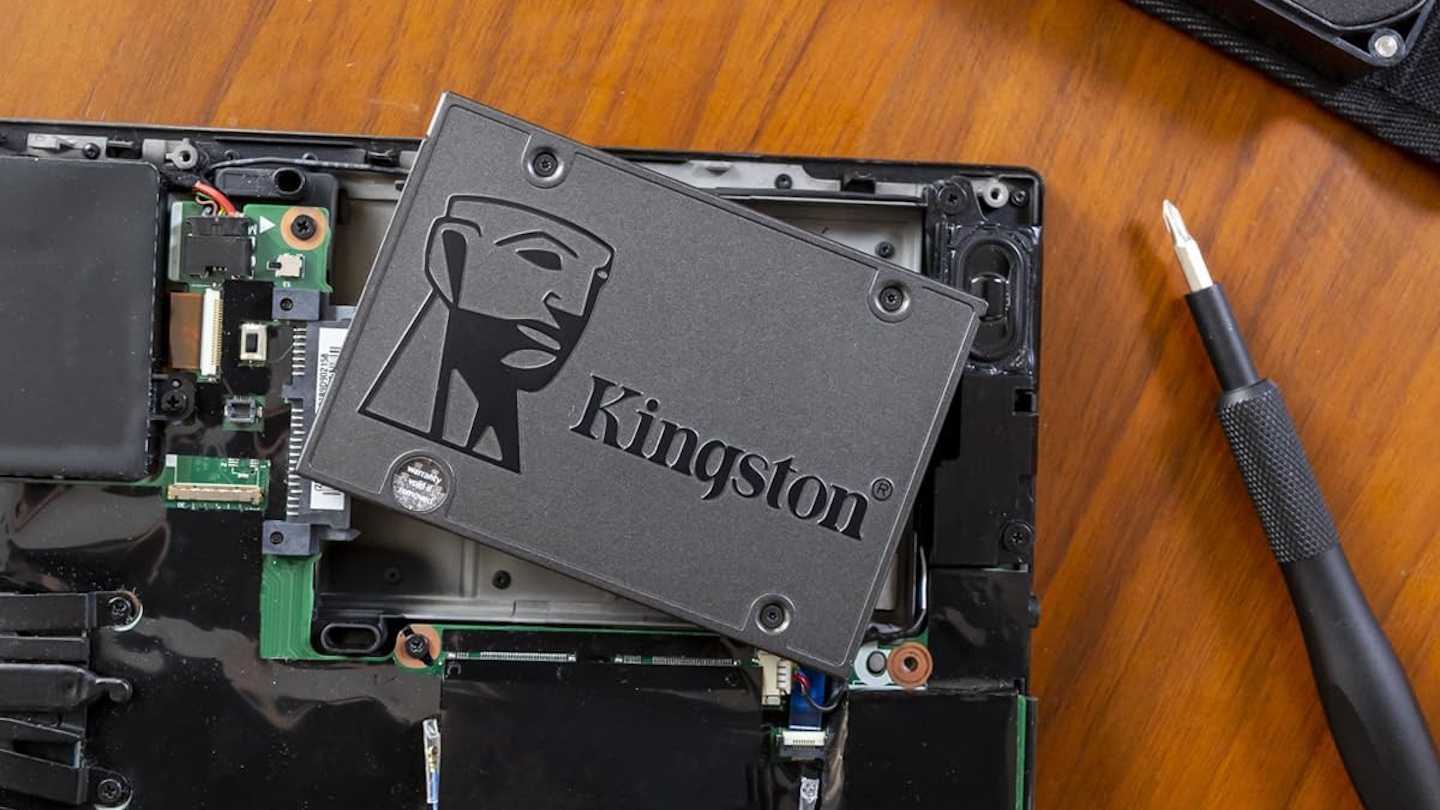
In the current era of high-capacity storage, where 4TB SSDs and lightning-fast NVMe drives have become standard, many users default to a “one-size-fits-all” approach. By keeping your entire storage capacity as a single, monolithic system drive, you are essentially operating without a safety net. While this setup might seem straightforward, it creates significant administrative vulnerabilities that can complicate disaster recovery and data management.
Instead of relying on a single volume, we strongly advocate for partitioning your high-capacity drives. By segmenting your storage, you create logical boundaries that act as digital firewalls, isolating your operating system from your personal data and media libraries.
The Hidden Cost of Default Cluster Sizes
Beyond organization, there is a technical performance factor often overlooked: the cluster size. Windows typically defaults to 4KB clusters. While this is efficient for small documents, it becomes a liability when dealing with the massive file sizes common in modern gaming, 4K video editing, and high-resolution photography. When a drive is formatted with a cluster size that is too small for the files it stores, it leads to increased file fragmentation and unnecessary overhead.
Think of it like a shipping container: if you are moving large, bulky machinery, using thousands of tiny, individual boxes is inefficient and slows down the loading process. By adjusting your cluster size to match your specific workload, you can reduce fragmentation and improve the overall longevity and responsiveness of your drive.
Strategic Advantages of Partitioning
Implementing a multi-partition strategy offers several tangible benefits:
- Enhanced Data Security: If your system partition becomes corrupted, your secondary partitions remain intact, keeping your critical files isolated from OS-level failures.
- Streamlined Backups: You can target specific partitions for backups, allowing for faster, more frequent snapshots of your most important data without needing to image the entire 4TB drive.
- Simplified Recovery: Reinstalling Windows becomes a much less daunting task when your personal files are stored on a separate partition, eliminating the need to move terabytes of data before a system refresh.
By taking control of your drive’s architecture, you move from a passive user to an active administrator of your hardware, ensuring that your storage setup is as robust as the components themselves.