




Pimax EVO Update: New Head-Tracking Features and Profile Management
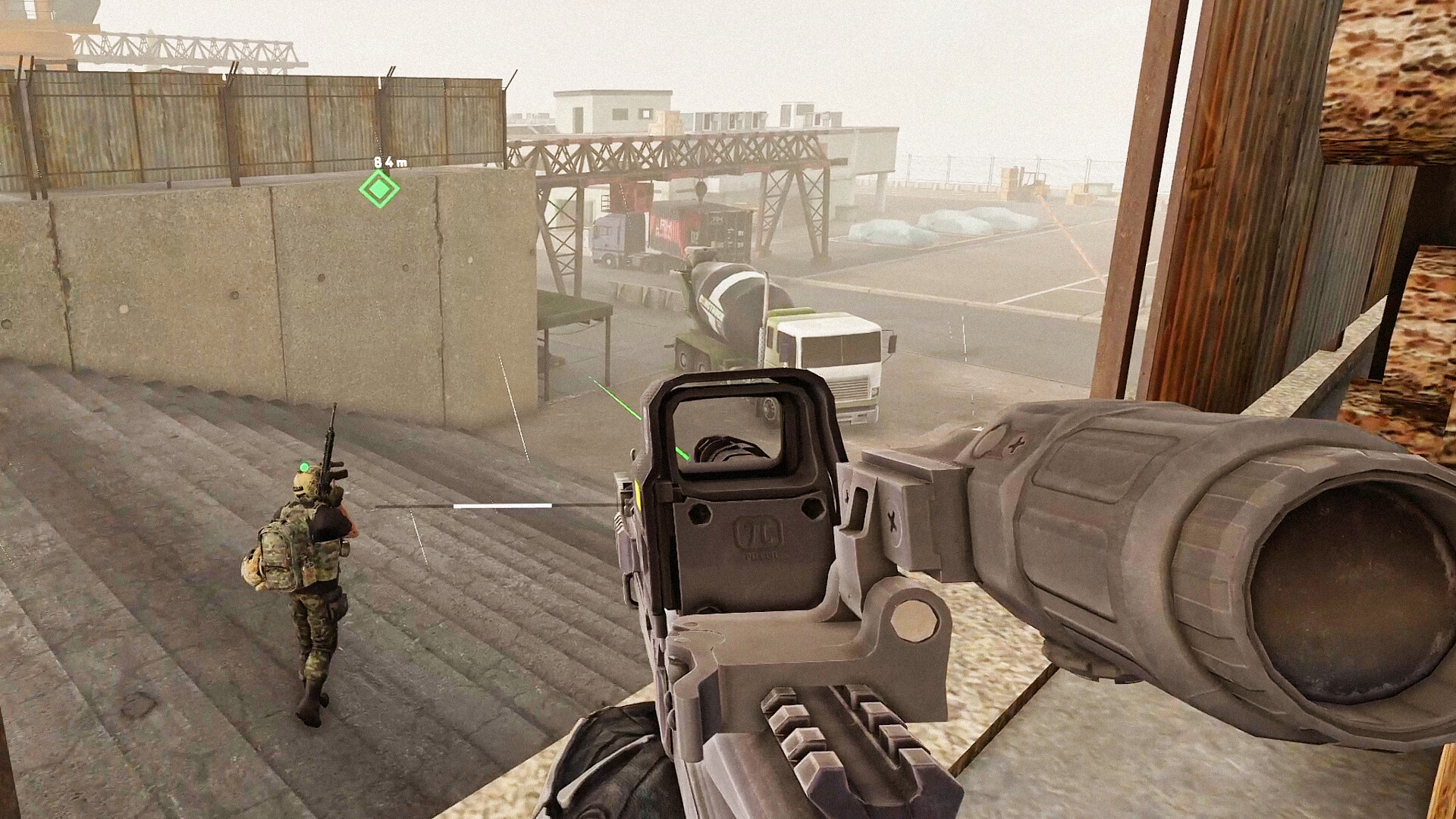
Pimax has rolled out a significant update for its EVO software, introducing an experimental feature that allows users to map head movements to camera controls in standard PC titles. By utilizing the PVRM (Pimax Virtual Reality Mode), players can now experience traditional desktop games with a sense of immersion previously unavailable in non-VR software.
This functionality is designed to work in tandem with an Xbox controller, providing a familiar input method while the headset handles the perspective. To ensure comfort during extended sessions, the developers have also included a “recenter” function, allowing users to calibrate their view instantly if the camera drifts or becomes misaligned.
Image: Pimax
Understanding the Limitations of PVRM
It is crucial to manage expectations regarding this update. According to the official October 22 release notes, this feature does not perform a “VR conversion” on flat-screen games. Unlike native VR titles that render two distinct perspectives for depth, PVRM essentially projects the game world into the headset and links the camera’s rotation to the user’s physical head movements.
Because this relies on how individual games handle camera input, compatibility is not universal. Much like how early “3D-ready” monitors required specific game engine support, the effectiveness of this feature will vary significantly from one title to the next. Users should view this as an experimental tool for enhancing traditional gaming rather than a replacement for dedicated VR software.
Pimax’s announcement covers the updated EVO client. Image: Pimax
Streamlined Customization with Named Profiles
Beyond the head-tracking capabilities, version 2.0.0.148 addresses a common pain point for power users: configuration management. The update introduces a robust profile system that allows players to save and name specific presets.
This means you can now create distinct configurations for different use cases-such as a “High-Performance” profile for competitive shooters or a “Visual Fidelity” profile for flight simulators-and switch between them with a single click. These profiles encompass a wide range of parameters, including:
- Display Settings: Refresh rates and resolution scaling.
- Performance Tweaks: Latency adjustments and rendering priorities.
- Interaction Preferences: Controller sensitivity and input mapping.
By allowing users to save these settings, Pimax is significantly reducing the friction associated with fine-tuning the headset for different gaming environments, making the EVO ecosystem more accessible for both casual players and enthusiasts.