



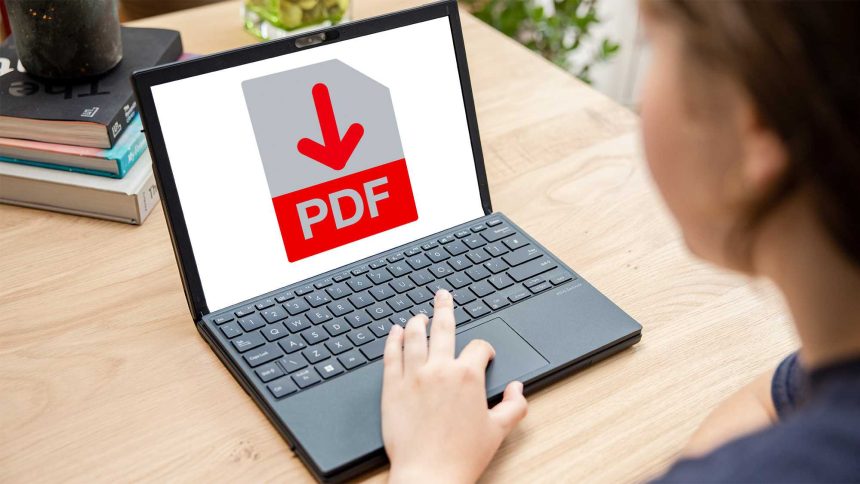
When you need to dig deep into a PDF file, these tools are your best friends.
PDF files are a necessary component of our multi-platform world. With this convenient file format, users are able to view and share documents across various devices, using various operating systems and software programs.
While tasks such as simple viewing and/or commenting on a PDF can be accomplished with free software, there are times when you need a broader range of tools for working with a PDF document. You might want to make edits, reorganize the elements of a file, or collaborate with others to make changes. In cases such as these, you’re better served by a full-featured PDF editor.
Best PDF editor overall
Adobe Acrobat Pro
Show Pros & Cons
Pros

- Easily navigable tabbed interface
- Comprehensive PDF editing features
- Streamlined sharing feature makes it easier to fill documents and get signatures
Cons
- Rich feature set can be overwhelming for new users
Hide Pros & Cons
Best PDF editor runner-up
Nitro PDF
Show Pros & Cons
Pros
- Intuitive Microsoft Office ribbon-style interface
- Excellent document conversion
- Multi-platform
Cons
- Expensive
- May be more than casual users need
Hide Pros & Cons
Best cheap PDF editor
EaseUS PDF Editor
Show Pros & Cons
Pros
- Full set of editing tools
- Annotation options enable easy collaboration
- Straightforward interface
Cons
- Windows only
- Needs subscription to remove usage limits
Hide Pros & Cons
Best free PDF editor
PDF Candy
Show Pros & Cons
Pros
- Many advanced features
- OCR capability
- Very easy to use
Cons
- No Mac support
- Free trial only offers basic features
Hide Pros & Cons
Best PDF editor for Mac
PDF Expert
Show Pros & Cons
Pros
- Syncs across Mac,