



WhatsApp’s Latest Update: Bringing Audio to Your Sticker Conversations
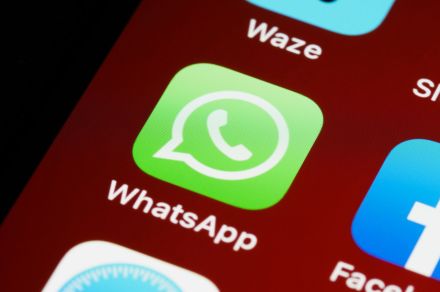
For years, the landscape of digital communication has been dominated by silent, looping GIFs and static memes. These visual snippets have served as the primary shorthand for personality in group chats. However, WhatsApp is preparing to disrupt this quiet status quo by introducing a dynamic new feature: sound-enabled stickers. According to a recent report from WABetaInfo, the platform is currently rolling out the ability to integrate custom audio into sticker messages for select Android beta testers.
The Evolution of Expressive Messaging
While the concept of “sound stickers” has been circulating in development circles since late last year-when early previews first hinted at the functionality-it is only now reaching a broader testing phase. This update effectively bridges the gap between a standard, silent reaction meme and a full-blown voice note.
By allowing users to transform short video clips from their personal galleries into interactive, audio-rich stickers, WhatsApp is tapping into the growing demand for more immersive social interactions. As of 2024, messaging platforms are increasingly prioritizing multimedia engagement; with over 2 billion active users, WhatsApp’s move to gamify the sticker experience is a strategic step to keep its interface competitive against platforms like Telegram and Discord, which have long experimented with rich media formats.
How to Craft Your Own Sound Stickers
The process for generating these audio-enhanced reactions is designed to be intuitive, keeping the user experience seamless:
- Access the Sticker Suite: Navigate to your sticker keyboard within any chat.
- Initiate Creation: Select the “Create Sticker” option.
- Select Media: Choose a video file directly from your device’s gallery.
- Customize Audio: Once the app converts your clip into an animated sticker, you will notice a new audio toggle located at the top of the editing interface. This allows you to pair your chosen sound with the visual element.
For the recipient, these stickers remain muted by default to prevent disruptive playback in public or quiet environments. The audio only triggers once the user taps the sticker, ensuring that the “noisy” nature of the feature remains under the sender’s and receiver’s control.