


Discord Lands on Meta Quest: A New Era for VR Socializing or a Technical Stumble?
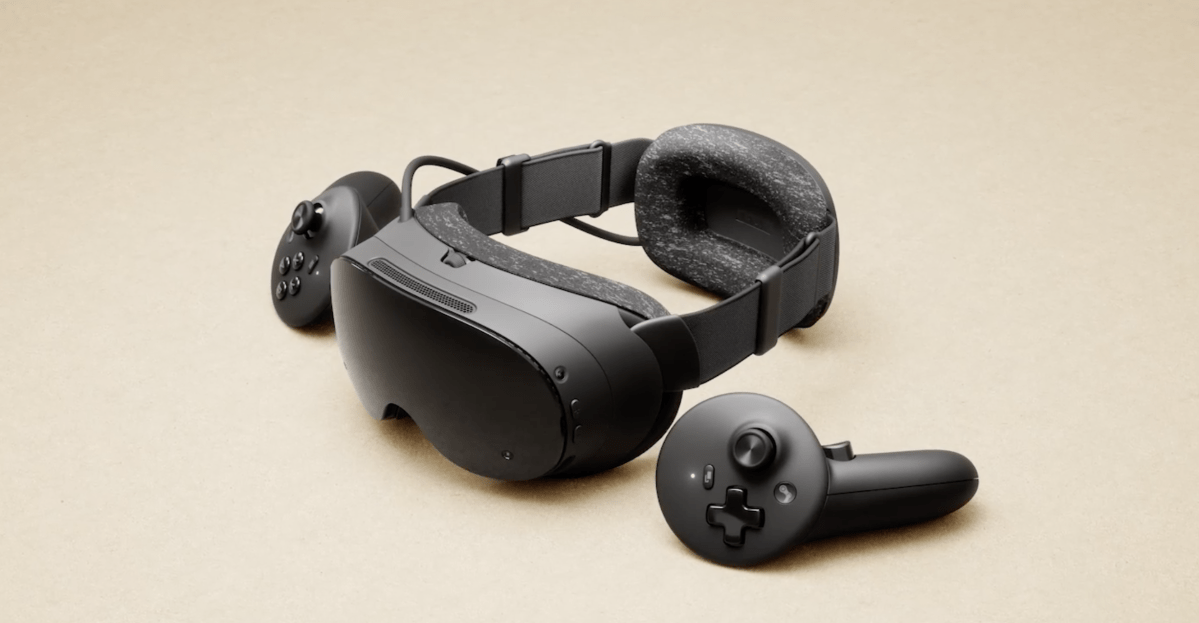
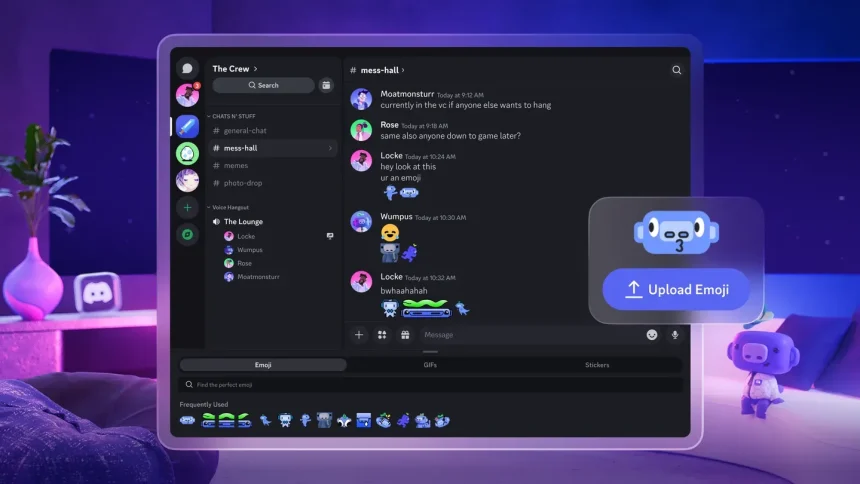
The long-awaited native Discord application has officially launched on the Meta Horizon Store, bringing a dedicated communication hub to Meta Quest headsets. While this integration promises to streamline how VR users connect, stream, and socialize, early adopters are finding that the experience is currently marred by significant performance hurdles.
The Evolution of Discord on Quest
The journey toward this release began in September 2025, when Meta first teased the partnership during its Connect conference. By December, the collaboration deepened with the introduction of account linking, which allowed users to broadcast their current VR activity directly to their Discord status. This feature provided a seamless way for friends to see exactly which virtual worlds or games their peers were exploring.
Now, the standalone app is available for download, aiming to replace the cumbersome workarounds of the past. Previously, users relied on the Quest’s built-in web browser to access Discord-a method that was often plagued by inconsistent microphone performance and clunky background management. The new native app is designed to run more efficiently, offering system-level notifications and, most importantly, the ability to stream your VR gameplay directly to friends without needing a PC bridge.
Incentives and Premium Perks
To encourage adoption, Meta and Discord are offering a promotional incentive: users who download and log into the Quest app before September 30, 2025, are eligible for one month of Discord Nitro. This premium subscription unlocks high-definition streaming, increased file upload limits, and enhanced profile customization options. Users typically receive a notification via the Meta Horizon mobile app to claim this reward. However, it is worth noting that current Nitro subscribers have reported that the offer does not stack, effectively leaving existing members without an additional benefit.
Performance Challenges and Stability Concerns
Despite the convenience of a native app, the current iteration is struggling to meet user expectations. With a modest 3-star rating on the Meta Horizon Store, the feedback highlights a recurring theme: instability. Many users report that the app is prone to crashing, particularly when attempting to utilize the streaming feature.
Technical analysis suggests that the app is highly resource-intensive. Even with the Quest 3’s 8GB of RAM, the overhead required to run a demanding VR title alongside a live Discord stream appears to push the hardware to its breaking point. Real-world testing has shown that high-fidelity titles like Asgard’s Wrath 2 or intense action sequences in games like Deadpool VR often trigger system crashes when the streaming function is active. These crashes frequently occur during resource-heavy moments, such as loading new environments or rendering complex combat scenes.
Looking Ahead: Future Integration
While the current state of the app is undeniably “rough,” there is reason for optimism. The partnership between Meta and Discord appears to be a long-term commitment rather than a one-off release. Recent data mining by XR enthusiasts, such as Luna, has uncovered new permissions within the app’s code that hint at future functionality, including the ability to join multiplayer sessions directly through Discord invites.
As Meta and Discord continue to refine the software, users can expect patches aimed at optimizing memory usage and improving overall stability. For now, while the app offers a glimpse into a more connected VR future, those looking for a flawless experience may want to wait for subsequent updates to address these early technical growing pains.