




Image: Microsoft
The End of an Era: Microsoft Overhauls Windows 11 Legacy UI
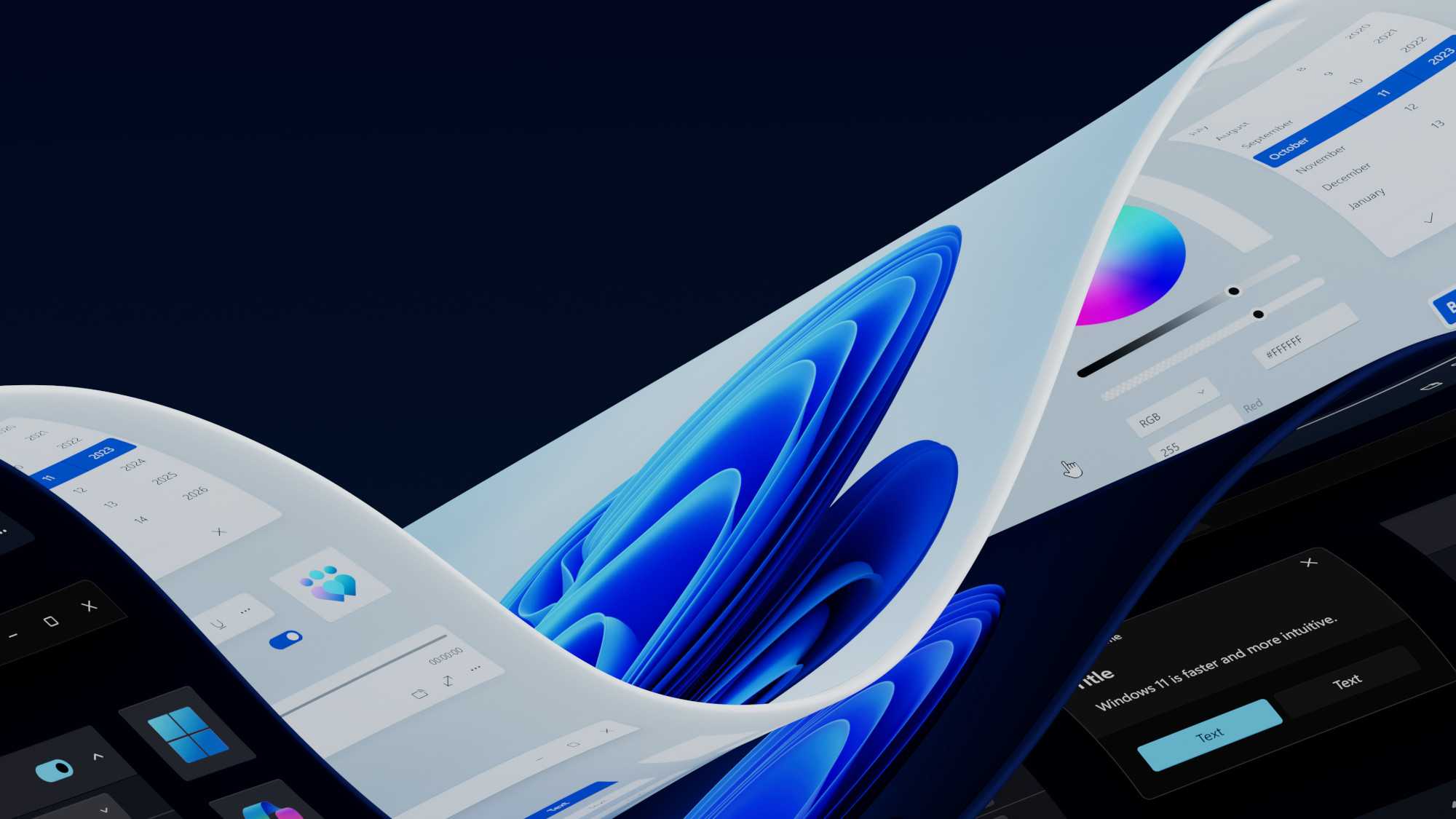
For decades, the Windows user experience has been built upon a foundation of legacy code, with certain interface elements tracing their lineage all the way back to the mid-90s. However, Microsoft is finally accelerating its efforts to purge these aging artifacts from Windows 11, opting instead for a cohesive, modern aesthetic powered by WinUI 3.
Modernizing the Core Experience
Recent preview builds have revealed that Microsoft is systematically replacing archaic system dialogs with contemporary counterparts. This transition is not merely cosmetic; it represents a fundamental shift in how the operating system handles core tasks. By moving away from the Windows 95-era design language, the company is addressing long-standing technical debt that has persisted through multiple iterations of the OS.
Key improvements include:
- Enhanced Responsiveness: The revamped Run dialog and File Explorer properties windows are engineered for faster initialization, reducing the “hang” time often associated with legacy system tools.
- Contextual Intelligence: New UI components now support dynamic, context-sensitive suggestions, making navigation more intuitive for modern power users.
- System Stability: By migrating to WinUI 3, these elements benefit from better memory management and improved integration with the modern Windows 11 framework, leading to fewer crashes during system-level operations.
The Trade-off: Compatibility vs. Innovation
While the shift toward a unified design language is a welcome upgrade for most, it does introduce friction for certain third-party utilities. Applications that rely on deep hooks into legacy system shells-such as specific versions of 7-Zip or cloud storage integrations like Dropbox-may face compatibility hurdles as these old UI hooks are deprecated.
Industry analysts note that this is a necessary growing pain. As of 2024, Windows 11 continues to capture a larger share of the desktop market, and maintaining support for 30-year-old UI frameworks creates significant security and performance bottlenecks. The transition to a modern architecture is essential for Microsoft to maintain a competitive edge against streamlined operating systems like macOS and ChromeOS.
Looking Ahead
This modernization effort is part of a broader strategy to ensure Windows 11 feels like a singular, polished product rather than a patchwork of different design eras. As Microsoft continues to iterate, users can expect these “relics” to disappear entirely, replaced by a fluid, high-performance interface that aligns with modern hardware capabilities.
For a deeper dive into the specific technical changes and the community reaction to these updates, you can read the full report here: Bluesky post.