


When you purchase through links in our articles, we may earn a small commission. This doesn’t affect our editorial independence.
Streamlining Windows 11: The End of Constant Rebooting
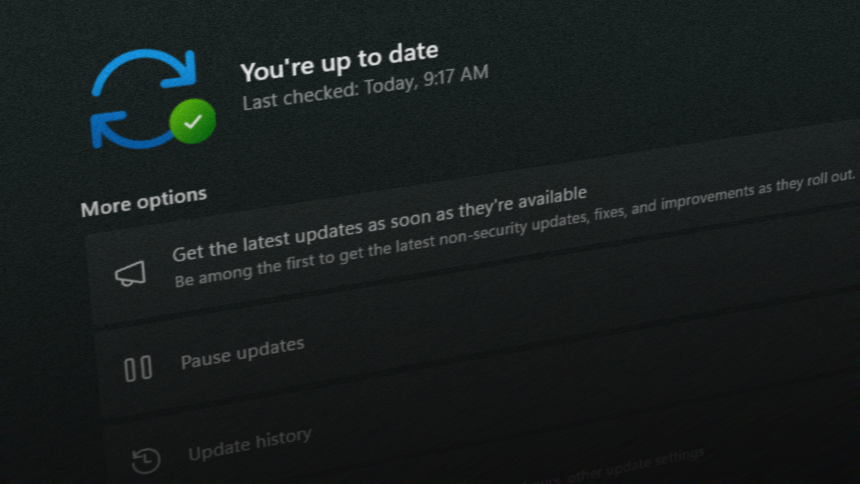
For years, one of the most persistent frustrations for Windows users has been the fragmented nature of the update process. Often, a user would finish a security patch, only to be prompted for another restart shortly after to accommodate firmware or driver updates. Microsoft is finally addressing this friction by consolidating these essential maintenance tasks into a single, unified workflow.
A Unified Approach to Patch Tuesday
Moving forward, Microsoft is integrating driver and firmware updates directly into the standard “Patch Tuesday” security cycle. By grouping these components together, the operating system minimizes the frequency of system interruptions. Instead of juggling multiple update windows throughout the month, users can expect a more streamlined experience where the majority of necessary system maintenance is handled in one go.
This shift is particularly beneficial for productivity. According to recent industry data, the average office worker loses significant focus time due to “context switching”-the mental effort required to pivot between tasks. By reducing the number of mandatory reboots, Microsoft is effectively helping users maintain their workflow momentum.
Scope and Limitations of the Update Policy
This new, consolidated update strategy is being rolled out for Windows 11 versions 24H2, 25H2, and 26H1. While this change significantly improves the user experience, it is important to note that it does not eliminate the need for emergency maintenance. Critical security patches for Microsoft Defender, for instance, will continue to be deployed as high-priority items. If a severe vulnerability is discovered, the system will still require an immediate restart to ensure the machine remains protected against active threats.
Why This Matters for Your Workflow
Think of this change like a scheduled maintenance plan for a vehicle. Rather than taking your car to the shop every time a single light flickers, you now have a comprehensive service appointment that addresses oil, tires, and engine diagnostics all at once. By aligning these updates, Microsoft is moving toward a “set it and forget it” model that respects the user’s time while keeping the hardware and software ecosystem running at peak performance.