




The Rise of Local AI: Bridging the Gap Between Open and Closed Models
The landscape of artificial intelligence is shifting rapidly. While proprietary, closed-source models have long held the crown, the performance gap between them and open-weight alternatives is shrinking at an unprecedented rate. According to data released by Epoch AI on May 29, open-weight models now lag behind the industry’s top-tier closed systems by an average of only four months-a significant improvement compared to historical trends.
Why Local AI is Becoming the New Standard
For many users, the primary appeal of open-weight models is privacy and autonomy. Unlike subscription-based services that require you to transmit sensitive data to external cloud servers, running a model locally ensures your interactions remain entirely on your machine.
“Open-weight” refers to the release of the model’s internal parameters-the digital “brain” that dictates how it processes information. By making these files public, developers allow anyone to host the technology independently. This eliminates the need for recurring monthly fees and provides a level of control that cloud-based platforms simply cannot match.
Getting Started: Tools for Your Desktop
You don’t need a supercomputer to get started. Modern software has democratized access to these tools, making them accessible to anyone with a decent consumer-grade PC or Mac.
* Ollama: A streamlined command-line tool that simplifies the process of downloading and running models. You can explore their extensive collection, such as the Gemma 4 library, where model sizes typically range from 4.6GB to 20GB.
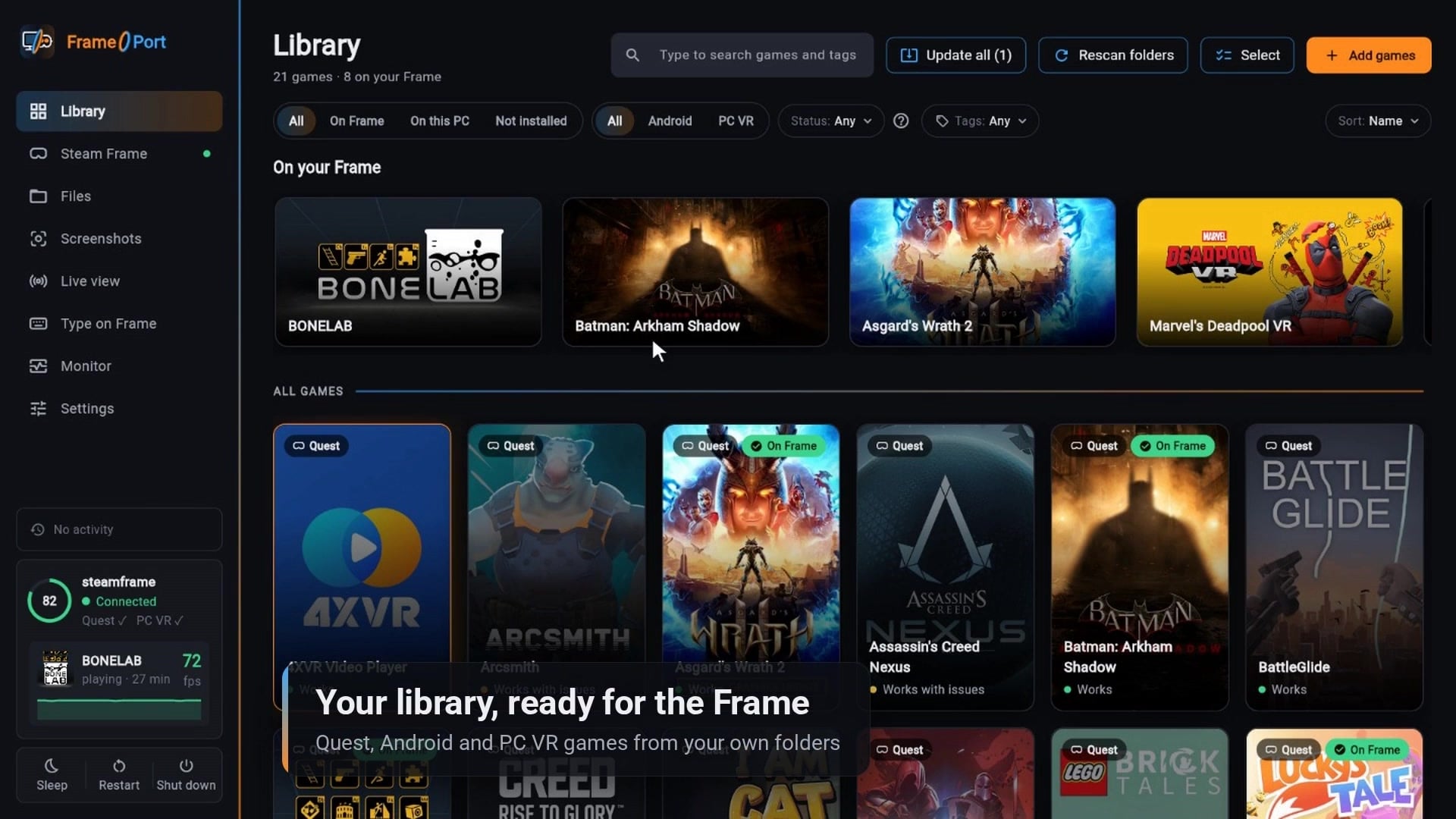
* LM Studio: An excellent alternative for those who prefer a graphical interface. It is particularly popular because it allows for a completely offline experience, ensuring your data never touches the internet.
To run these models effectively, aim for a system with at least 8GB of VRAM or, in the case of Apple Silicon, 8GB of unified memory.
Understanding the Limitations
While the accessibility of local AI is impressive, it is important to maintain realistic expectations. There is a massive disparity between consumer-grade hardware and the infrastructure used to train the world’s largest models.
For instance, Alibaba’s Qwen 3.8-Max boasts a staggering 2.4 trillion parameters, a scale that is physically impossible to run on standard home hardware. Furthermore, in internal benchmarks conducted by Alibaba, closed-source models outperformed their open counterparts in 24 out of 31 tests. While local models are becoming increasingly capable for daily tasks like coding assistance, creative writing, and summarization, they are still catching up to the sheer computational power of massive, cloud-hosted clusters.
The Bottom Line
The barrier to entry for running high-quality AI has never been lower. Whether you are a privacy-conscious professional or a developer looking to experiment, the ability to run sophisticated models locally is a game-changer. By leveraging tools like Ollama and LM Studio, you can harness the power of AI on your own terms.